


Candyspinz Casino App
The Candyspinz app setup gives you full access to the wallet, active bonuses, account settings and over 6,000 games right through your mobile browser. Everything runs on a lightweight web framework built to load fast, keep your logins secure, and save your phone’s memory.



Candyspinz Mobile Casino Gaming
Playing in the Candy Spinz app completely changes your sessions. Tapping the screen to cash out on Aviator or spin online slots feels much more natural than clicking around with a mouse. Games automatically shrink to fit your display, placing the main spin buttons right under your thumb so you can easily play with one hand.
Of course, smaller screens come with a couple of obvious trade-offs. Watching high-definition live streams or trying to run several games at once can feel a bit cramped. But for quick, flexible Candyspinz Casino sessions on the couch or on the go, mobile offers a remarkably easy gaming experience.
| Gaming Feature | Mobile Setup | Desktop Setup | Best Choice For |
| Controls & Speed | Direct thumb taps for fast bets and instant cashouts on online slots | Traditional mouse clicks and standard keyboard shortcuts | Mobile: fast-paced touch action |
| Screen Space | Auto-scaled portrait layout built for single-handed play | Widescreen display with room for multiple tabs | Desktop: detailed views and multitasking |
| Live Dealer Streams | Crisp HD view focused on one table at a time | Multi-camera feeds and multi-table layouts without crowding | Desktop: multi-hand strategy sessions |
| Candyspinz Session Freedom | Flexible access from the couch, on breaks, or on the go | Fixed setup that keeps you at a desk or table | Mobile: convenient everyday access |
Candy Spinz App for Android
Android users don’t need to sift through unverified third-party APK downloads or bypass system security blocks to play on their devices. Candyspinz Casino is a PWA (Progressive Web App), which means the platform itself runs natively inside Chrome or any other browser, and you do not need to install anything.
To set it up on Android:
- Open our website.
- Tap the three dots in the top right corner of your browser.
- Select “Add to Home Screen” from the dropdown menu.
This drops a Candyspinz app icon right onto your launcher. It opens in full-screen mode, removes the browser address bar, and stores core layout graphics locally, so games load almost instantly on future visits.
Progressive Web App
Playing via PWA is significantly safer than downloading raw installation files. Because it relies on your browser’s built-in sandbox security and TLS 1.3 encryption, your banking data and account credentials stay locked down behind standard web safety protocols. You also bypass manual software updates entirely. Every time you tap the Candyspinz Casino app icon, you run the latest, most secure version of the platform automatically.
| Setup Feature | Standard Native APK | Candy Spinz App (PWA) |
| Device Storage Needed | 50 MB to 200 MB | Under 5 MB of cached storage |
| Installation Process | Manual download and permission adjustments | One-tap Add to Home Screen setup |
| System Updates | Manual file re-downloads | Automatic background updates |
| Security Framework | Varies depending on the file source | Protected by browser sandbox and TLS encryption |
| Battery & RAM Usage | Heavy background activity | Minimal hardware consumption |
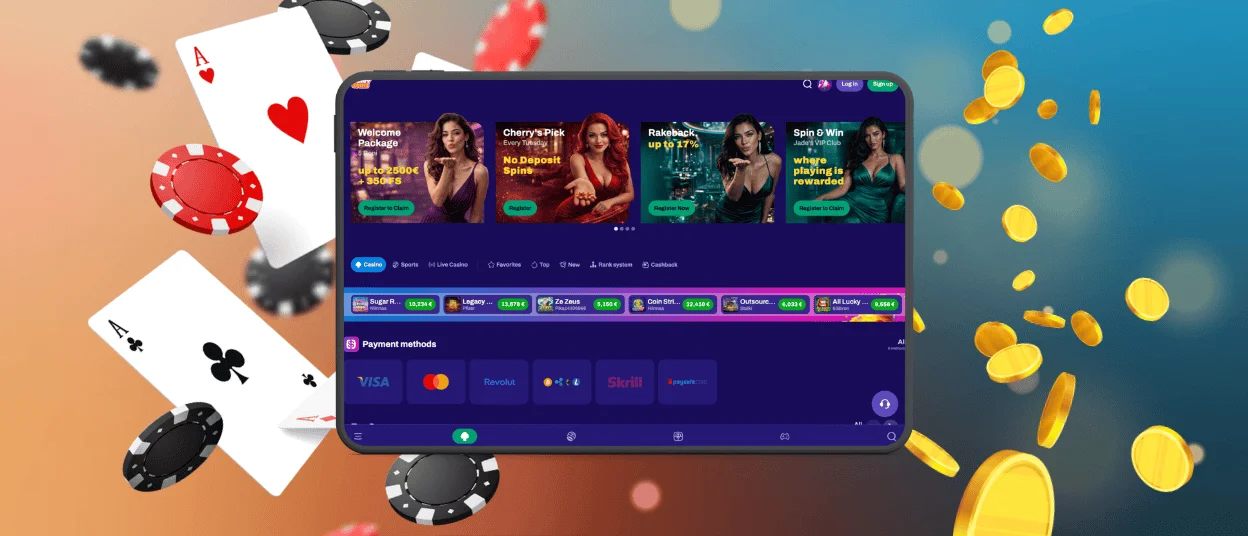
Mobile Application for iOS
iPhone and iPad users get the same streamlined experience without visiting the App Store. The setup process takes less than ten seconds using native iOS features:
- Launch Safari and head to the Candyspinz Casino site.
- Tap the Share icon at the bottom of your screen.
- Scroll down and select “Add to Home Screen.”
Once saved, the Candyspinz app launches instantly in full-screen mode.
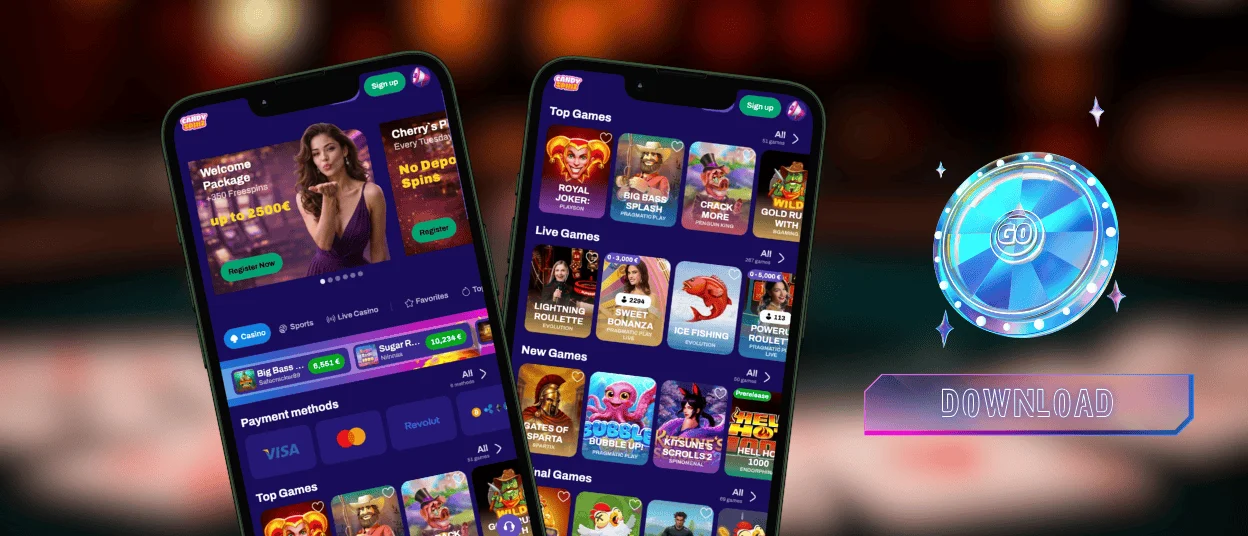
App for Windows and macOS
While mobile dominates for convenience, sitting down at a computer still has its place. Playing at Candy Spinz on desktop gives you a wide-angle view of live studio games, lets you view detailed statistical overlays in sports markets, and allows multi-window play without lagging your device.
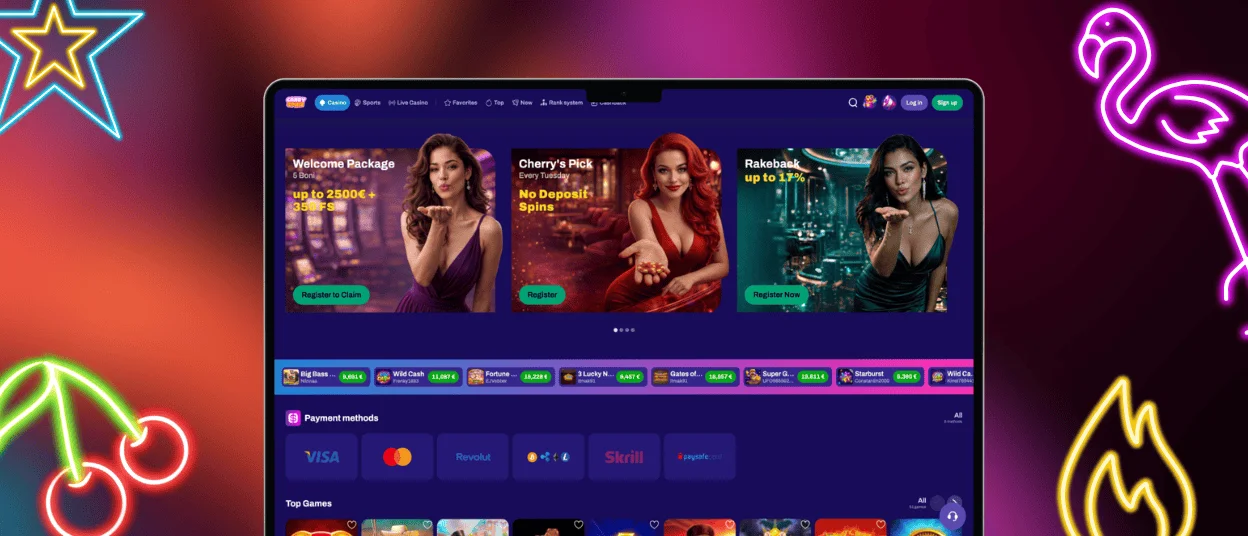
The desktop interface shares the exact same central wallet and account features as the mobile app. Any progress you make, bonus wagering you complete, or wallet requests you submit sync instantly across every screen you use. Completing the verification process is more convenient on the mobile Candyspinz app, but it is also possible on a desktop.
FAQ
Can I upload verification documents through the Candy Spinz app?
Uploading your ID through your phone is actually faster than doing it in the Candyspinz Casino desktop version because you can take photos directly with your phone camera and attach them straight inside your account settings. If a file fails to upload or you run into a temporary glitch, you can open a live chat session so a member of the support team can take a look and help you clear it manually.
Will the PWA run smoothly on older devices?
A Progressive Web App makes use of browser caching, so it doesn’t put much strain on the processor and memory of your device. The Candyspinz pages load quickly, game lobbies render fast and touch controls stay responsive even on an older smartphone or tablet.
Are all games available in the Candyspinz app?
Every single title in the Candyspinz Casino catalog is built on modern HTML5, meaning the entire game library scales automatically to your phone’s screen. You get access to the complete collection with zero missing titles or scaled-down features.
Does the Candy Spinz app consume significant mobile data?
Standard slots and crash titles pull very little data because the PWA caches core graphics locally after your initial load. High-definition live casino streams naturally consume more bandwidth, so if you are playing on a restricted data plan away from Wi-Fi, dropping the video feed quality down a notch in the live table settings will keep your data usage low.


